Can you be a VTuber without talking?
- Voice Protocol
- People
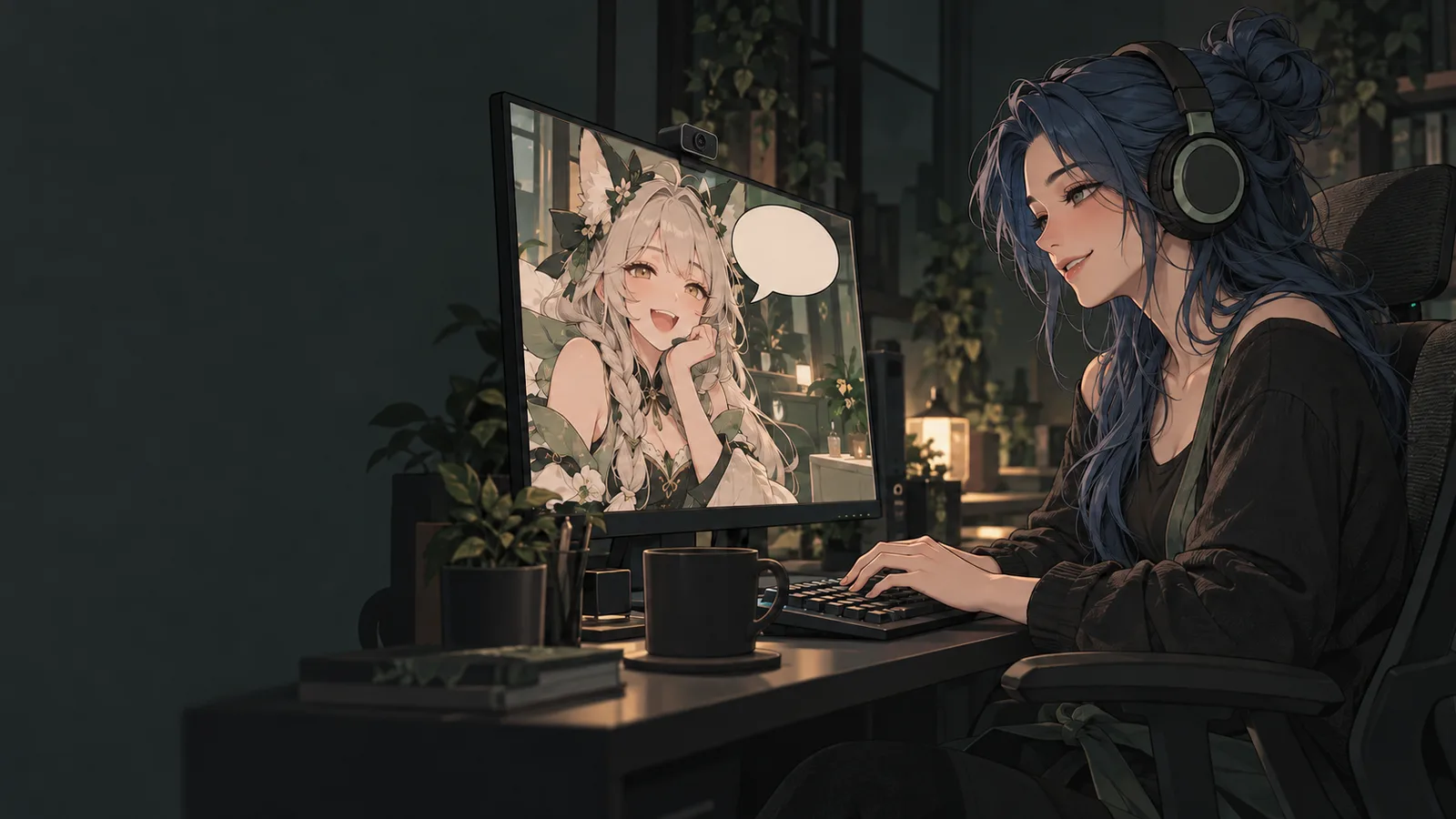
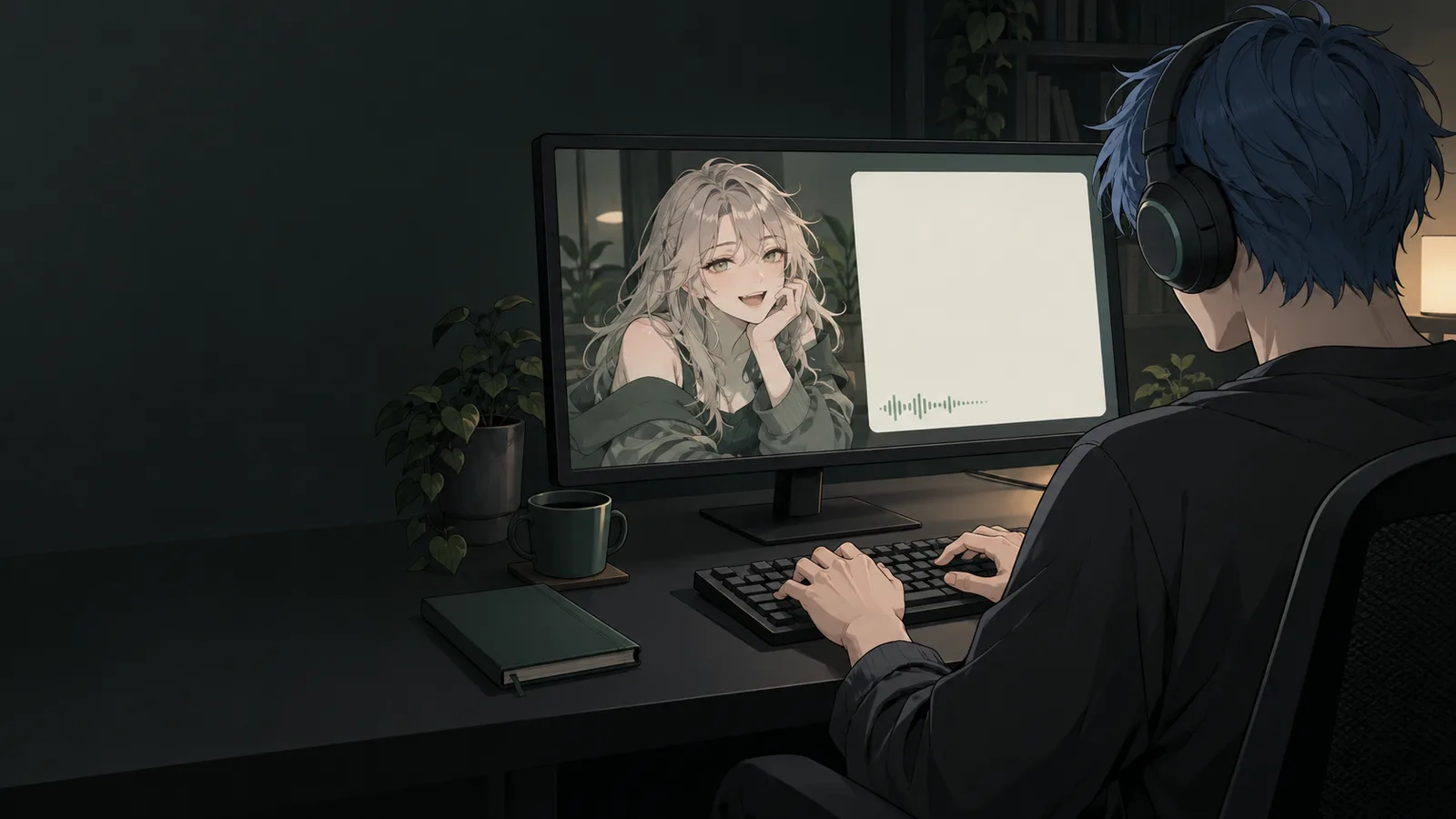
Yes, you can be a VTuber without talking. You can type into an on-screen text box or straight into stream chat, turn your written messages into text-to-speech (TTS), use prepared sounds, or communicate through your avatar’s expressions and movement. Many mute VTubers combine these methods.
The first decision is whether you want to communicate without speaking at all, or speak without broadcasting your natural voice. Those lead to different setups. A voice changer still needs spoken input. Typed text and typed TTS do not.
You do not need to settle on a label before trying a stream. Start with how you want to interact.
What are mute, non-speaking, and TTS VTubers?
These terms overlap, but they describe different things.
Mute VTuber is a label some creators use for themselves. It does not, on its own, tell you why they do not speak on stream, whether they speak elsewhere, or what tools they use.
People use “mute VTuber” in different ways. For some it describes a physical inability to speak. For others it is a shorthand for not using their natural voice on stream, for any reason. The term alone does not tell you whether someone has a diagnosis or what it might be, so follow the creator’s own wording.
Non-speaking VTuber describes a creator who communicates without spoken delivery in the context being discussed. Follow the creator’s own wording when describing a particular person.
TTS VTuber describes a creator who uses text-to-speech for some or all of their own audible communication. That tells you how the voice is produced, but not necessarily how the words get into the software: they may be typed or transcribed from speech.
For this guide, the useful distinction is practical: what do you do to send a message, and what does your audience receive? A bio that says “TTS” cannot answer both questions by itself.
How do mute VTubers communicate on stream?
On-screen text and chat bubbles
You type a message, and viewers read it. It might appear beside your avatar or in a dedicated text panel. That is on-screen text. A reply typed into the platform chat is a different method.
For a basic test, OBS supports text sources, including text read from a file. A dedicated typing interface or chat-bubble tool can make repeated messages easier to manage once you know the format suits you.
Think about the viewer’s screen. Is the text readable on a phone? Does it cover the game? Does it stay visible long enough to read?
Text gives you room for your own wording, jokes, punctuation, and timing. Its main requirement is that the audience can see and read it.
Chat text is a related option. You type your replies straight into the stream’s chat or a Discord channel, with no synthetic voice and no on-screen overlay. Chat isn’t part of the broadcast, so people watching full screen, on a TV, or in a clip may miss your replies unless you show chat on stream.
Typed text-to-speech
You write the message, then a TTS voice speaks it aloud. You can also display the text.
The words are yours. Speech synthesis supplies the sound.
This gives a viewer an audio route to your commentary without requiring you to speak into a physical microphone. It also means there are several stages between deciding what to say and finishing the spoken message: composing it, sending it, generating the audio, and playing it.
There is no useful universal number for how long that takes. Your message length, typing method, software, voice service, and connection all matter. Try the full interaction with your own setup.
Prepared phrases, sounds, and avatar reactions
A soundboard lets you trigger an existing audio clip. A prepared TTS phrase lets you send a response without composing it again. Avatar expressions or gestures can provide an immediate visual reaction.
You might use a short greeting when someone arrives, an expression when a game surprises you, and a typed message when you want to explain something. Prepared responses are useful for things you expect to repeat, and free typing gives you room for something new.
These are options to experiment with, not a required package. A text-led stream does not have to become a TTS stream later.
Comparison of typing text for viewers to read, typing replies into chat, typing text for TTS to speak, and triggering a prepared sound for viewers to hear.
| Your action | Method | Viewers receive |
|---|---|---|
| Type a message | Text box or bubble | Written words |
| Type in chat | Chat text | Written words in chat |
| Type a message | Text-to-speech | Synthetic speech |
| Press a button | Prepared audio clip | Recorded sound |
Can you use gestures or sign language as a VTuber?
Yes. Your avatar’s face and hands can carry a lot of what you want to say, on their own or alongside text and TTS.
- Expressions and emotes: Most VTuber software lets you put expressions, emotes and short animations on hotkeys. One key press can make your model laugh, look shocked or wave, which gives viewers an instant reaction while you type something longer.
- Hand tracking: Some tools can follow your real hands. VTube Studio has experimental webcam hand tracking that can move your model’s fingers or turn a gesture into a hotkey (VTube Studio wiki). VSeeFace supports hand and finger tracking with a Leap Motion device (VSeeFace). Fast movements can still make tracking drop out, so test it with the gestures you actually use.
- Sign language: Sign languages are full languages, not sets of gestures. American Sign Language has its own grammar, and it is a different language from British Sign Language (NIDCD). Signing also uses the face. In ASL, raised eyebrows can mark a question, and fingerspelling depends on clear handshapes. Avatar tracking may not capture that detail reliably, so a signed message can come out muddled on the model. If you sign on stream, you might show a real hand camera next to your avatar, try a more precise tracker, or add captions or on-screen text for viewers who don’t sign.
Airani Iofifteen of hololive performs a sign-language cover of “Boku ga Kimi no Mimi ni Naru” (“I’ll Be Your Ears”), a song by the sign-language group HANDSIGN, on her 3D model.
Gestures rarely have to work alone. A wave with a typed greeting, a shocked face before a TTS reply, or signing with captions can make each message easier to follow.
What if you can speak, but do not want viewers to hear your natural voice?
Two other methods belong here because they still require you to speak.
Speech-to-text-to-speech, sometimes shortened to STTTS, transcribes your speech and uses a synthetic voice to read the resulting text.
Live voice changing processes incoming microphone audio to change how it sounds.
If speaking itself is what you need to avoid, neither spoken-input method replaces typed communication. If you do use one, check which audio sources reach your stream: processing the voice does not automatically remove a separately captured microphone.
Creators who stream without their natural voice
There’s no single setup. These creators each built their own, and each describes it in their own terms.
Zentreya: speech turned into a synthetic voice
Zentreya talks into a mic. Software turns her speech into text, and a synthetic voice reads it out. She started with no communication at all and moved to an on-screen notepad before building the current system with a friend (Tubefilter, 2023). She uses it by choice, to keep her own voice private. The synthetic voice has become part of her character. She leans on body language for reactions and plays transcription mistakes for comedy (PANORA).
Mizuzu Neo: chat bubbles
Mizuzu Neo describes herself as mute and does most of her streaming through an on-screen chat bubble. Each new message plays a short ping and her model’s mouth moves as it appears, so the text lands like a line of dialogue. She started by sharing Notepad on screen, and she also sends her chat bubble to collab partners in Discord (VTuber NewsDrop, 2023). She briefly experimented with typed TTS in 2023, but the chat bubble is her signature. She jokes that being mute is “a nerf” because she’s “so good, so cool” that the world had to balance her out.
RIA: a character built on speech synthesis
RIA describes herself as a digital lifeform without vocal cords who talks through a synthetic voice (YouTube). She streams live several times a week and says recognition errors sometimes swap her words. She has been creating since 2018, made her debut as the A.I.VOICE RIA speech-synthesis software in 2022, and is also a composer.
A contrast case: Neuro-sama also speaks through TTS, but a large language model writes what she says (Wikipedia). She is an AI VTuber created by Vedal, so software produces her words as well as her voice.
Can you play games while typing?
Yes, but test the moments when both activities need your hands.
Typing a reply during a menu is different from typing while aiming, dodging, or controlling a character. Synthesizing the message does not remove the need to enter it first.
For a first experiment:
- Pick a game or activity with natural pauses.
- Prepare a few responses you expect to use repeatedly.
- Try short messages during play and longer replies between rounds.
- Check whether your typing shortcut also triggers game controls.
- Watch the recording to see where a reaction or explanation was missing.
These are starting suggestions, not findings about how all TTS creators work. You may prefer a different rhythm once you try it.
A difficult game is not automatically off limits. The question is whether the way you want to play leaves room for the way you want to communicate.
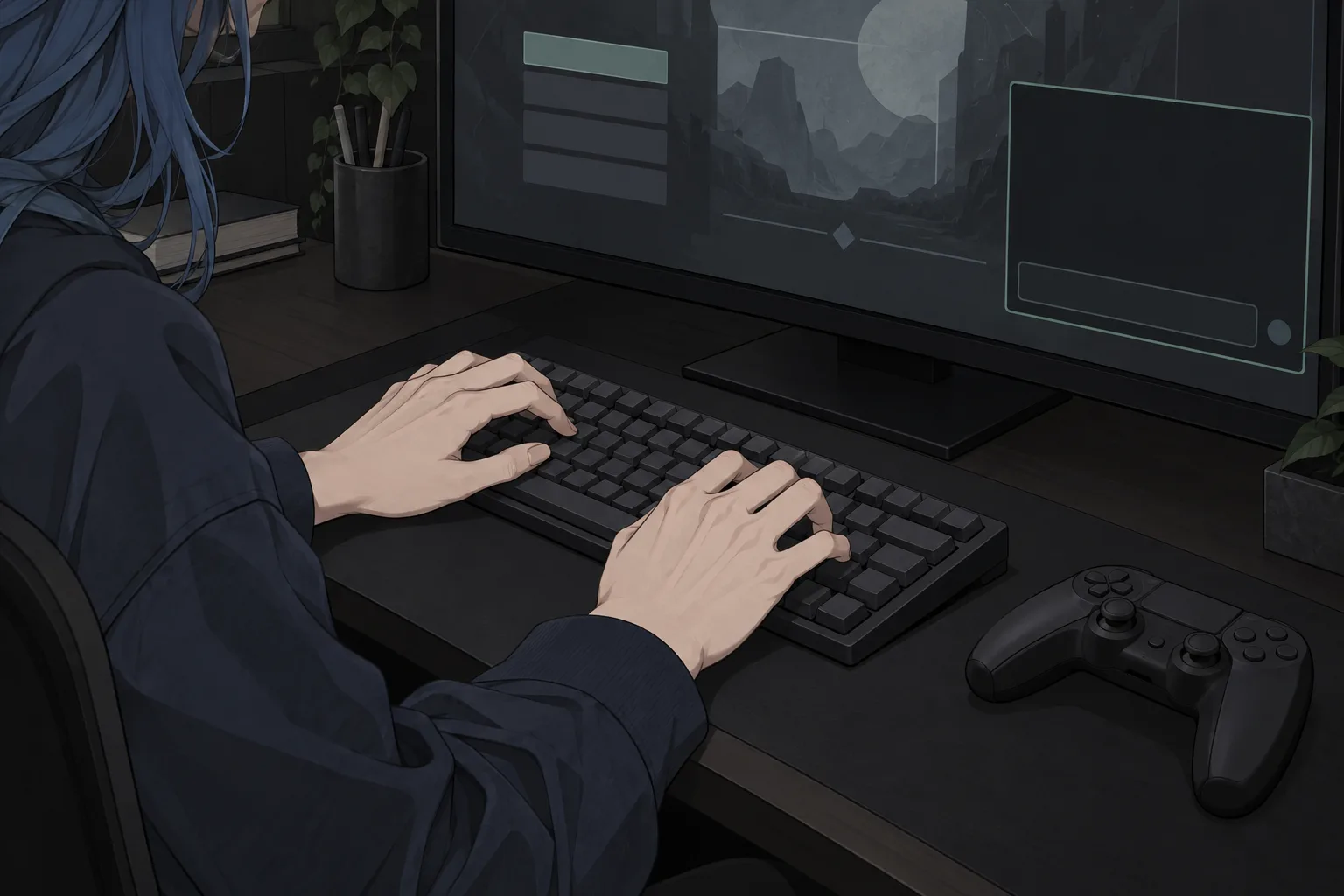
Test where entering a message fits into the activity you want to stream.
Do you need a microphone?
You do not need a physical microphone to compose typed messages or generate typed TTS. You may still need an audio input route for another app to receive the generated speech.
There are two separate destinations to consider:
Your stream audience. Your broadcasting software needs to capture the TTS audio, or display the text, so viewers receive it.
Your collaborators. If you are in Discord or a game’s voice chat, that app also needs to receive your speech. Audio captured in OBS does not automatically become your Discord input.
A virtual microphone or virtual audio cable can provide that connection. A virtual audio cable such as VB-Audio forwards an app’s audio into the call app’s mic input.
For text-only collaboration, agree on where your partners will read your messages. A text box visible to your audience may not be visible to someone playing alongside you.
Stream viewers receive TTS through broadcast audio capture. Call partners receive it through the call app's audio input.
Stream viewers
- TTS audio
- Then: Broadcast audio capture
- Then: Audience
Call partners
- TTS audio
- Then: Virtual microphone or cable
- Then: Call app input
Capturing audio for a stream does not automatically send it into a call.
One virtual cable can feed both. OBS can capture it as an input. Audio sent only into a cable is silent to you unless monitored.
Are TTS VTubers AI?
Not usually. Most TTS VTubers write or speak their own words, and software only produces the voice. AI VTubers like Neuro-sama are different because software writes the words too (What is a text-to-speech (TTS) VTuber?).
A small first test
Before building a full streaming setup, record five minutes with your avatar and one communication method.
Greet an imaginary viewer. Respond to something happening in a game or creative activity. Explain one decision. Then watch it back.
Can you read the text comfortably? Can you hear the generated speech over the game? Can you enter a message without losing control of what you are doing? If you want to collaborate, test the message with one other person as well.
Use that recording to decide what to change. You might need larger text, an easier shortcut, shorter messages, or an audio route alongside the text. You might also discover that your first choice already feels comfortable.
Frequently asked questions
Can you be a mute VTuber?
Yes. Many creators stream with on-screen text, chat bubbles, or text-to-speech. You can also reply by typing straight into chat.
How do mute VTubers talk to chat?
They type into a chat bubble or text box, reply directly in chat, use TTS to read typed messages aloud, or rely on prepared sounds, avatar expressions and gestures.
What is a TTS VTuber?
A creator who uses text-to-speech for some or all of their own audible speech.
Do you need a microphone to VTube?
Not for typed text or typed TTS. If you want TTS heard in calls, a virtual audio cable can carry it into the call app’s mic input.
You can build the stream around the way you communicate.
Related methods
Related posts
- Oct 17, 2026
- Culture
What's your Voice Protocol?
- Oct 16, 2026
- Systems